Sketch2Space
Realistic Snapshots Of Your 3D Model, And A Night Sky
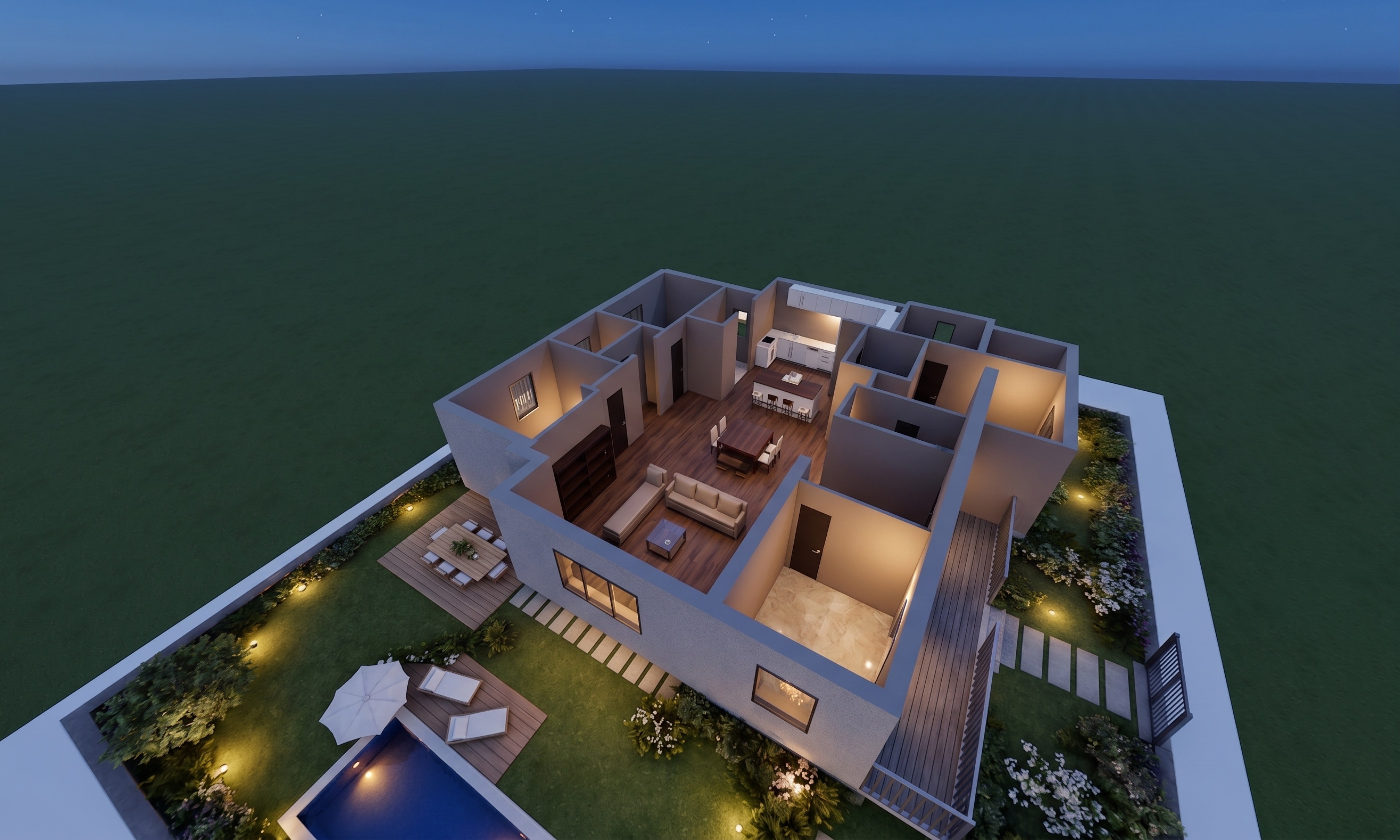
You can now take a picture of your 3D model that looks like a real photograph — and choose whether the model is standing in daylight or under a night sky.
What shipped#
- Snapshot. The camera button in the toolbar saves your view exactly as you see it, as a PNG. Free and unlimited on every plan.
- Realistic snapshot. The same view, shot like the real thing: real materials, real daylight, real shadows. Same rooms, same walls, same windows — nothing is added or invented.
- Night and Day. A new toolbar button lights the model in full daylight or at night, with the building's own windows glowing and a deep blue starry sky behind it. It switches the model, not the interface, so you can keep your dark theme and still shoot in daylight.
- The realistic snapshot follows the light. Shoot a night view and you get a night photograph, not a midday one.
- You can see it working. A realistic snapshot takes under a minute, and the view now shows exactly where it's up to while you wait.
Why it matters#
A clean 3D model is the right thing for checking a plan, and the wrong thing for showing a client — it still looks like a model. A realistic snapshot gives you the picture you'd otherwise commission a visualiser for, from the view you already set up, in about a minute. And a night shot with the windows lit sells a building in a way a daytime one never does.
How to use it#
- Open a project whose 3D model is ready (see getting started).
- Set up the view you want, and pick Night or Day in the toolbar.
- Click the camera button and choose Snapshot or Realistic snapshot.
- The picture downloads as a PNG.
Realistic snapshots are included on paid plans — 10 a month on Ex10ded, or $5 each on "5 as you go". Snapshots are free and unlimited for everyone.
Full details are in Snapshots of your 3D model. For getting the geometry out instead of a picture, see export to CAD.